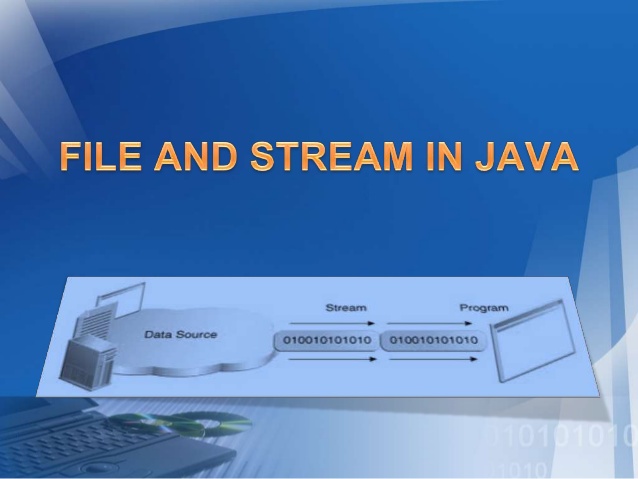
Hey Guys, today we will look in to file handling in Java.
File handling in Java is not very hard to understand, it's vary similar to file handling in other programming languages.
Well, let's read a file using Java first. To read a file in Java we can use 2 classes which are in-built.
- FileReader Class - reads character by character
- BufferedReader Class - reads word by word
When we are using FileReader Class to read a file,
First of all we have to create a object from the File class to open the file.
File myFile = new File("myTxt.txt");
Then we have to create a object from the FileReader class in order to read the content in the file.
FileReader reader = new FileReader(myFile);
There we have created all the relevant objects. Now let's read the content of the file to an character array.
char myArr[] = new char[200];
reader.read(myArr);
When we use BufferedReader Class to read a file,
First we have to create File and FileReader class objects.
File myFile = new File("myTxt.txt");
FileReader reader = new FileReader(myFile);
BufferedReader buff = new BufferedReader(reader);
or else we can do the same process using a single line.
BufferedReader buff = new BufferedReader(new FileReader(new File("myTxt.txt")));
Now we can read line by line using the readLine function().
String line=null;
while((line=buff.readLine())!=null){ //<--- this will check whether the file pointer has reached the end of the file
System.Out.Println(line);
}
Now let's see how to write to a file using Java.
Same as the reading there are 2 classes that we can use to write in to a file.
- FileWriter - writes character by character to the file
- BufferedWriter - writes word by word to the file
When we use FileWriter class to write in to a file,
First we have to create an object from the File class and then Should create an object from the File Writer class.
I will sue the short form here to create objects form a single line.
FileWriter writer = new FileWriter(new File("myTxt.txt");
Then we can use write() function to write in to the file.
writer.write("This text will be written in to the file");
We can also use the BufferedWriter class to write in to the files.
BufferedWriter bwriter = new BufferedWriter(new FileWriter(new File("myTxt.txt")));
After writing to a file it is advisable to use the flush() function, because it will save the data in the memory which is still not written in to the file.
beriter.flush();
After reading or writing to a file(after opening a file) always remember to close the file after using it. close() function is used to close opened files in java. If not it will reserve system resources such as memory and will slow down the program. Maybe degrade the performance of the system.
Past Topics :-
Like Us on Facebook :-
Comment Box is open for your Comments, Suggestions, ideas and complaints..!